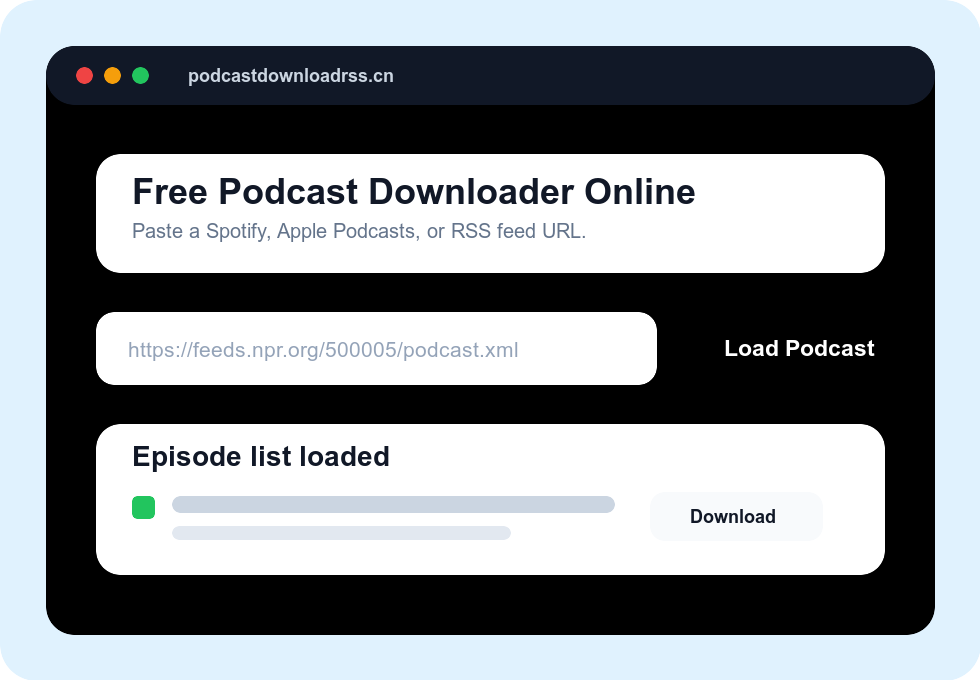
This online podcast downloader works best with public Spotify show URLs, Apple Podcasts links, and direct RSS feed URLs. If you already know the RSS feed, that is usually the fastest method.
Paste a Spotify, Apple Podcasts, or RSS feed URL to download podcast episodes as MP3 or M4A files. Start here for broad podcast download searches, then use the dedicated pages for platform-specific workflows.
This online podcast downloader works best with public Spotify show URLs, Apple Podcasts links, and direct RSS feed URLs. If you already know the RSS feed, that is usually the fastest method.
Use the homepage for general podcast downloader queries. If your search is tied to a platform or feed type, the pages below give Google and users a clearer match.
Best for Spotify show links, Spotify episode links, and searches like “download Spotify podcast to MP3”.
Open Spotify downloader →Best for podcasts.apple.com links, Apple RSS lookup, and iPhone-friendly podcast downloads.
Open Apple downloader →Best for direct RSS feed URLs, faster loading, and searches like “download RSS feed to MP3”.
Open RSS downloader →Best for beginners who need a step-by-step explanation before trying the tool.
Read the guide →The homepage keeps the broad tool experience intact. The internal links below help platform-specific searches land on pages with tighter titles, headings, FAQs, and troubleshooting.
Use a Spotify show link, Apple Podcasts show link, or direct RSS feed URL.
The tool finds the public feed, reads the available episodes, and lists them for download.
Select one episode or the whole series, then download the audio files directly to your device.
These internal pages are mapped to the most valuable download intents: broad podcast downloader searches stay here, while platform and feed searches move to dedicated pages.
Use the homepage when you want one input box for Spotify, Apple Podcasts, RSS, and regular podcast website links.
Use the Spotify page when your link starts with open.spotify.com/show or
open.spotify.com/episode.
Use the RSS page when you already have a feed URL and want the fastest route to the audio files.
If you want slower walkthroughs instead of a direct tool page, use one of these tutorials.
This site is not a listening app directory. It is a true online podcast downloader for users who want audio files they can save, archive, and play offline.
Paste Spotify, Apple Podcasts, or RSS links in one place. You do not need a separate app, account, or plugin for each source.
Load the full feed, choose the episodes you want, and download them in one session instead of saving one episode at a time.
Downloaded files help with offline listening, backups, language study, transcription workflows, and moving episodes between devices.
If you need a browser-based tool, this site is designed to cover the full workflow: Spotify links, Apple Podcasts links, and direct RSS feeds in one place, with no signup required.
Copy the public podcast URL, paste it into the input box above, load the episode list, and download the files you want. No desktop or mobile app is required.
Yes. Public Spotify podcast show links usually work. If the show is Spotify-exclusive and has no public RSS feed, no online tool can download it.
Yes. Paste the Apple Podcasts show URL and the tool will look up the public RSS feed and load the downloadable episodes.
Yes. Direct RSS feed input is often the most reliable way to download podcasts online, especially when platform landing pages are slow or inconsistent.
Most podcasts are distributed as MP3 files, but some publishers use M4A or AAC. The tool downloads the original audio file from the feed.
Yes. Load the podcast, click Select All, and then download the whole list. Long series may take more time because your browser downloads each file sequentially.
You can often use the podcast website, the show notes page, or search for “[podcast name] RSS feed”. Our dedicated RSS to MP3 page explains this in more detail.